Tracking what you eat means handing an app a surprisingly intimate record: your meals, your habits, your weight, sometimes your blood pressure and health goals. That's some of the most personal data you own — and it's worth asking what the app you use actually does with it.
For a lot of "free" nutrition apps, the answer is uncomfortable. Free usually has to be paid for somehow, and in this category that often means ads in the app and your data being packaged up and monetized. "Ad-free" then becomes something you have to buy back as a premium upgrade. You end up paying with either your attention or your information.
It doesn't have to work that way. Here's the approach PureLog takes.
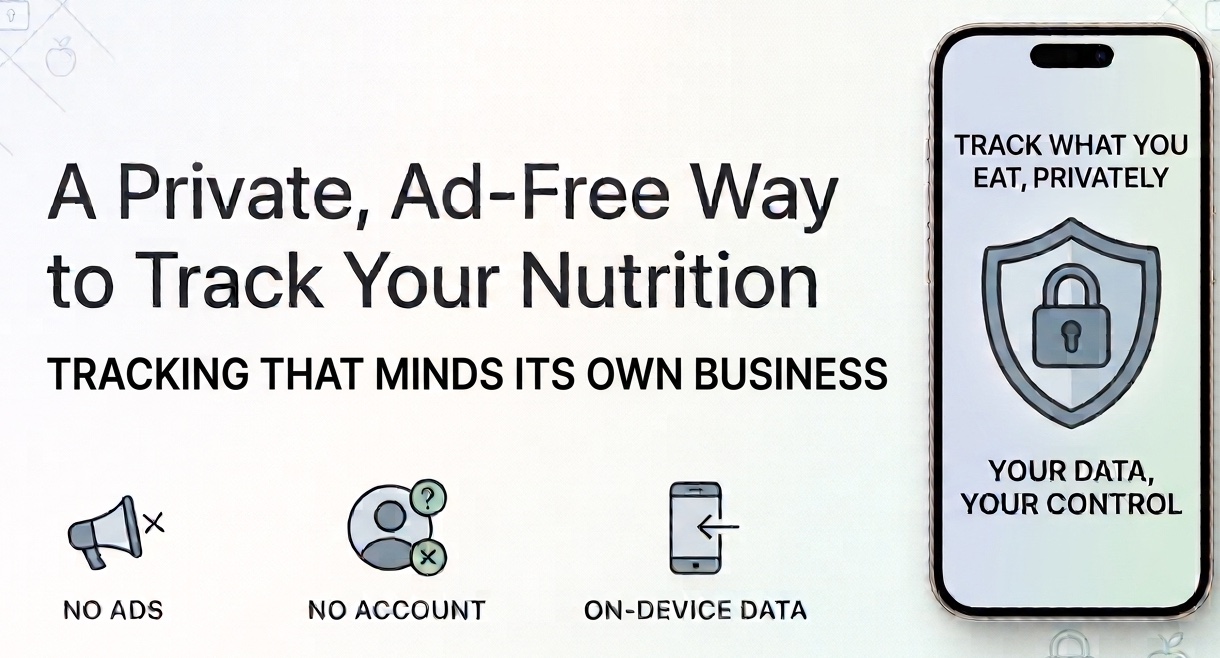
No ads — free or paid
PureLog shows no ads. Not in the free version, not anywhere, ever. The free tier isn't a billboard designed to nudge you toward a subscription — it's a genuinely usable app. You won't get banners between meals or full-screen interruptions when you open the app to log lunch.
We don't sell your data
Your nutrition and health information isn't a product we package up and sell. There's no business model here built on monetizing what you eat or what your numbers are. The app earns its keep from an optional subscription — not from your data.
Your data stays on your device by default
By default, what you log lives on your device, not on a server somewhere with your name attached. And you don't even need to create an account to use PureLog — no email, no password, no sign-up wall between you and tracking your first meal. Just open it and start.
One honest note: the optional AI features (chatting with Sage, photo and label scanning) do send your request to secure cloud processing to answer it — that's the only way that kind of feature can work. That's processing your request, not selling your information, and those features are entirely optional. The core tracking works fully on-device.
Simple enough to actually stick with
Privacy aside, the other thing that makes a tracker worth using is whether you'll keep using it. PureLog is built to be clean and quick — log a meal, see where your day stands, move on. You're not wading through dozens of nutrients you don't care about just to record a sandwich. Whether you're counting calories, managing your weight, or keeping an eye on specific nutrients, it shows you what matters to you and stays out of the way.
What to look for in any tracker
Even if you don't choose PureLog, these are fair questions to ask before you trust an app with your health data:
- Does it show ads? If the free version does, you're the product being shown to advertisers.
- Does it sell or share your data? Check the privacy policy and the App Store privacy label — health data is sensitive and worth guarding.
- Does it force an account? Requiring sign-up usually means your data is going to a server tied to your identity.
- Where does your data live? On-device storage keeps your information in your hands.
The bottom line
Tracking your nutrition shouldn't cost you your privacy. The right app earns money from people who choose to pay for it — not from ads or from selling what it learns about you. If that matters to you, look for no ads, no data selling, no forced account, and on-device storage. PureLog was built around exactly that.